

Find and use what you needfaster, across vast video archives
VidiGo uses AI to analyze the large volumes of video your business holds, summarizing the key content and helping you find the scenes and details you need. It cuts the time spent reviewing and searching video, so the archive you have already built gets put to work.
VidiGo key features
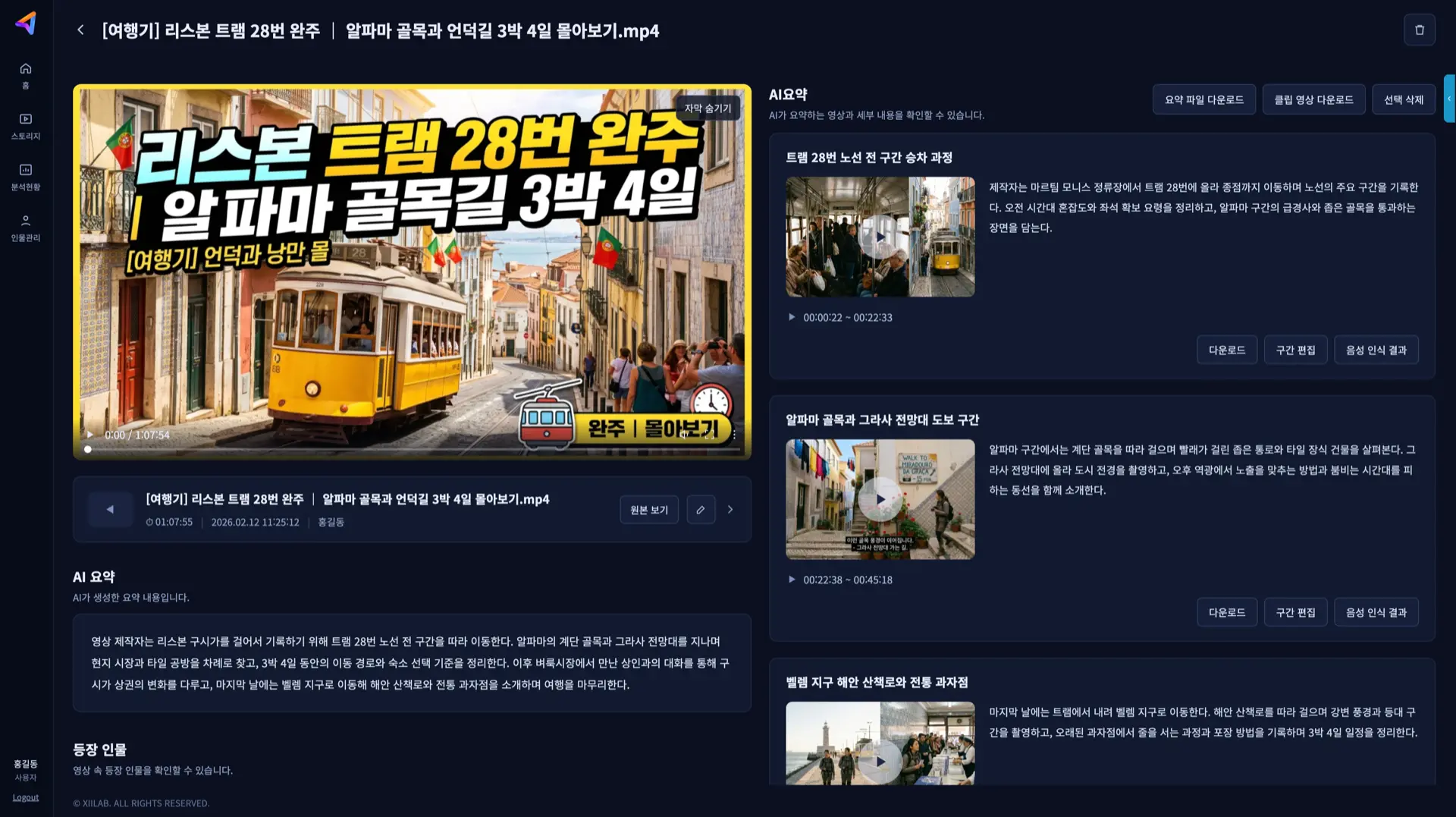
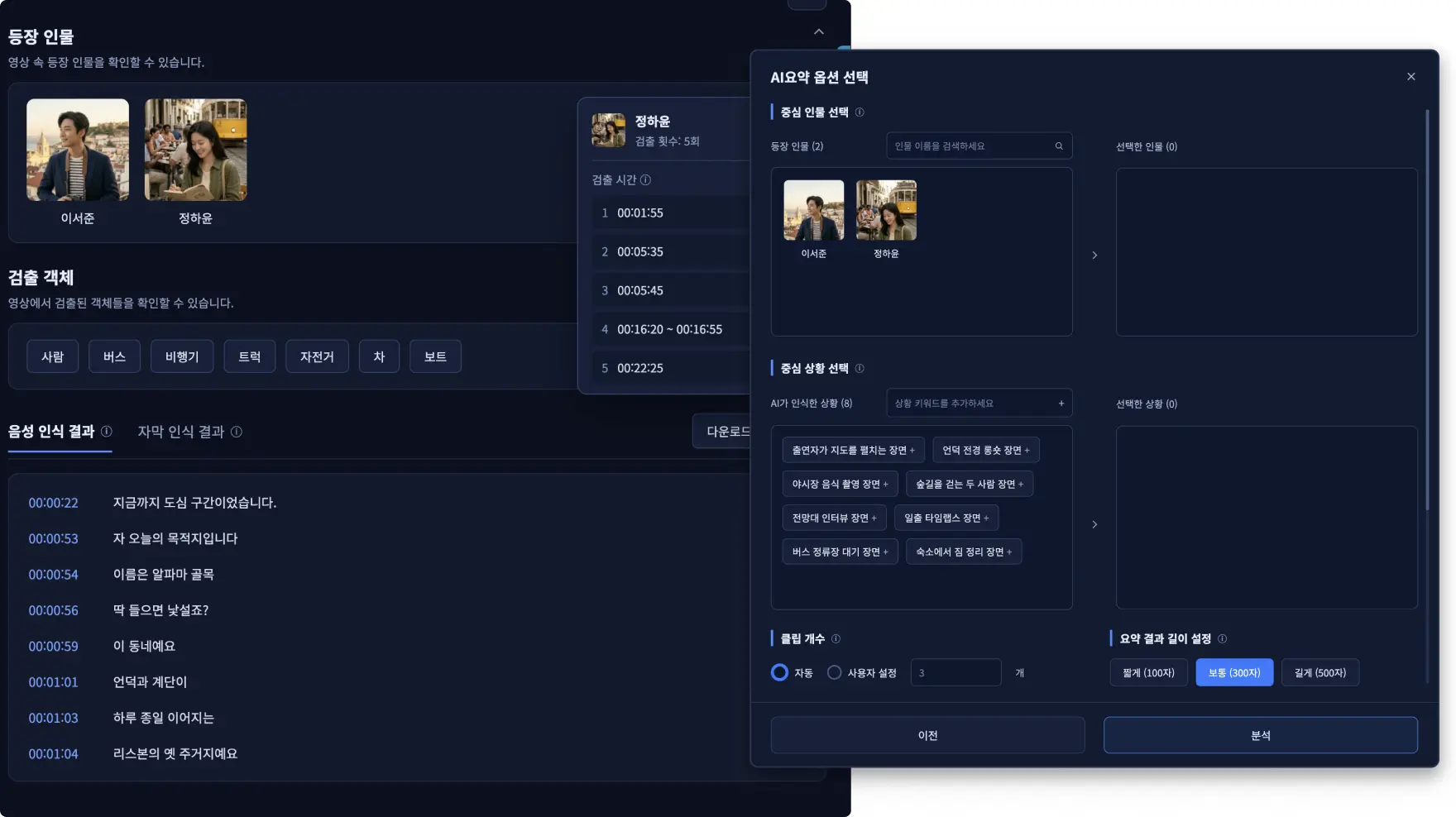
Cloud AI video analytics

Automatic video summaries

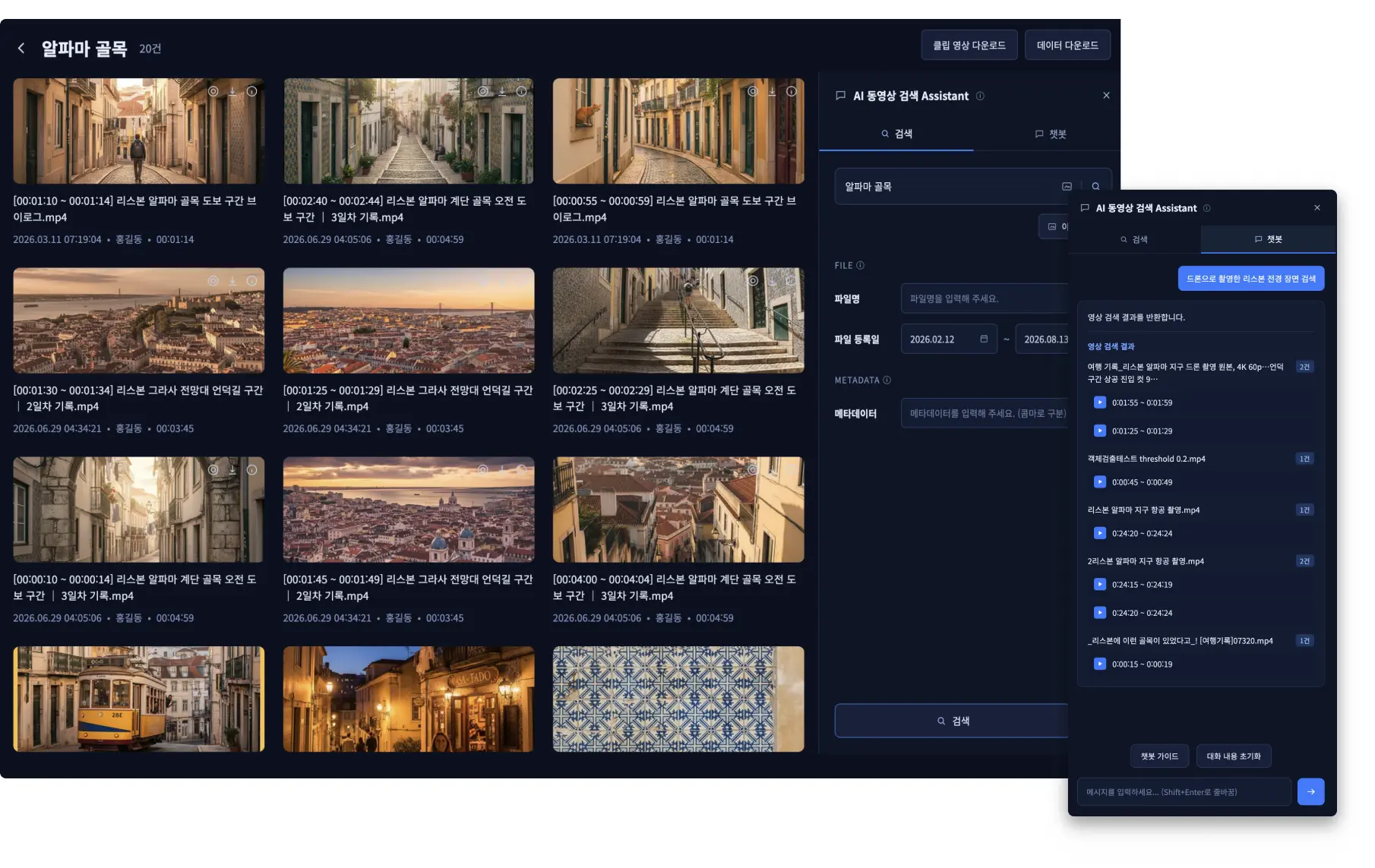
Video search

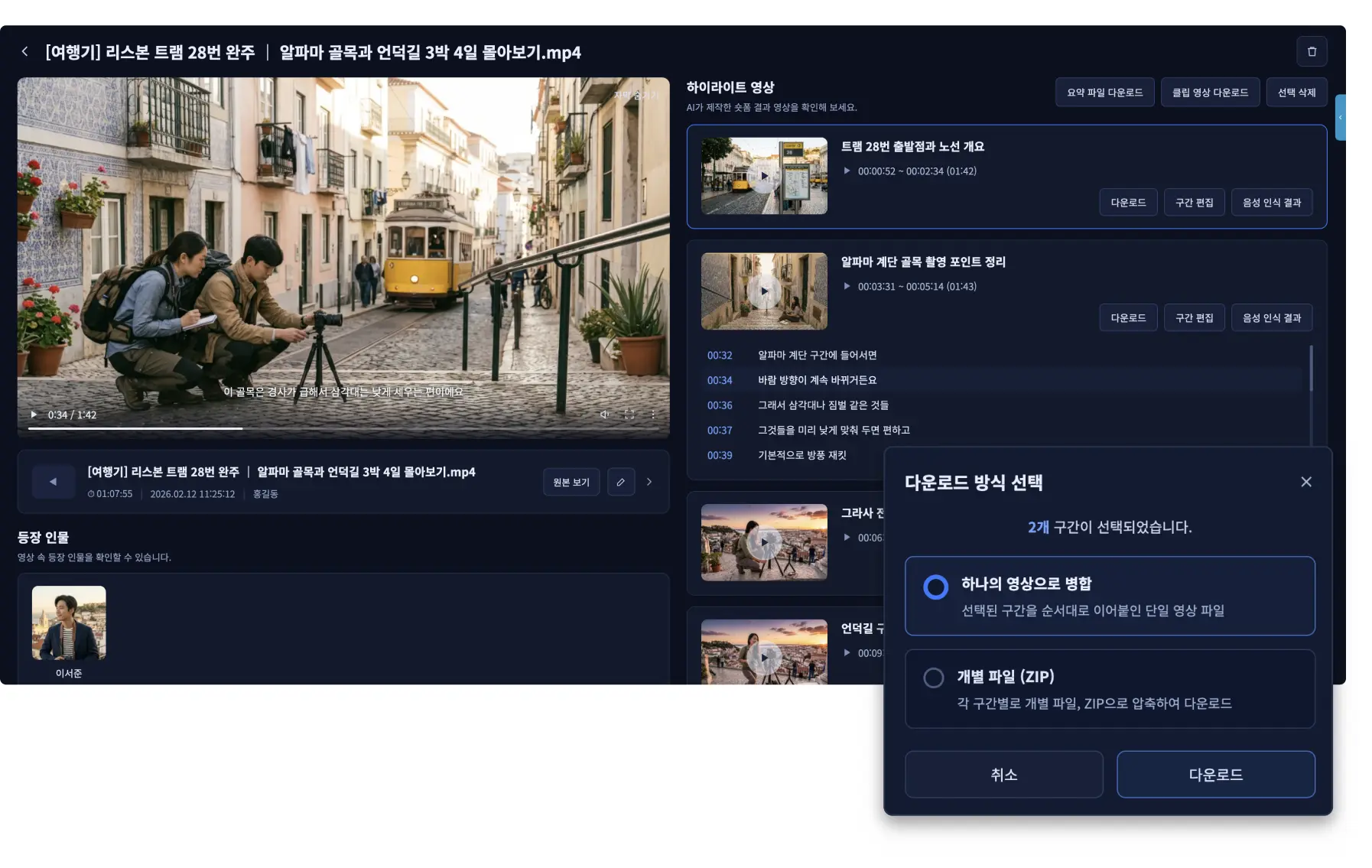
Short-form content creation

VidiGo PROCESS
From upload to analysis, search, and reuse
STEP 01
Upload video
Register the video files and existing video data to analyze
STEP 02
AI analysis
Objects, situations, actions and key content are analyzed automatically
STEP 03
Summary & search
Summarize the key content and search the objects, scenes, and segments you need
STEP 04
Put results to work
Turn summaries and key segments into short-form content and more
CLOUD VIDEO ANALYTICS
Get to what matters without watching the whole video
VidiGo analyzes video at scale with AI: it summarizes the key content and helps you find the scenes and segments you need. It reduces the burden of building separate analytics infrastructure, and its analysis features fit the characteristics of your video and how you plan to use it.
APPLICATION AREAS
Built for video-heavy content and workflows
For any workflow where you need to grasp what a video contains, locate a specific scene, or turn footage into shorter content.

Content production
- Broadcast & OTT
- Home shopping & commerce
- Video production
- MCN

Video discovery & reuse
- Entertainment
- Online education
- MCN

Video search & review
- Surveillance
- Security
- MCN
Check our frequently asked questions
VIEW ALLCan industries other than broadcasters use VidiGo?
Yes. VidiGo can be used wherever video search is needed. Beyond broadcasting and news media, it applies to entertainment, military, law enforcement and intelligence agencies, retail, security, and any field that needs to search and analyze video archives.
We want the features configured for our workflow.
VidiGo lets you configure the AI model, search prompts, and video output quality and format for your environment. We agree on the configuration based on the features and way of working you need, then apply it.
We would like to try VidiGo ourselves.
You can request a VidiGo demo or service trial. Once you reach out, we will confirm your intended use and environment, then guide you through the available trial formats and schedule.
Can it be applied to video archives we already have?
Yes. VidiGo analyzes large volumes of stored video with AI to generate metadata such as people, objects, dialogue, and situations, which can then be used for search.
We want to find the footage or scene we need quickly.
VidiGo greatly reduces the time it takes to locate a scene in a large video archive. AI-based video search can cut source-clip searching time by roughly 50–75%, though actual results vary with archive size and operating environment.