

Fewer repeated manual checks,more consistent inspection criteria
XAIVA On-Device checks how protective equipment, workwear and hygiene gowns are worn right at the site and reports the result. It can integrate with in-house systems or be deployed entirely on-premise as needed.
XAIVA ON-DEVICE key features
Real-time individual checks

Immediate on-site guidance
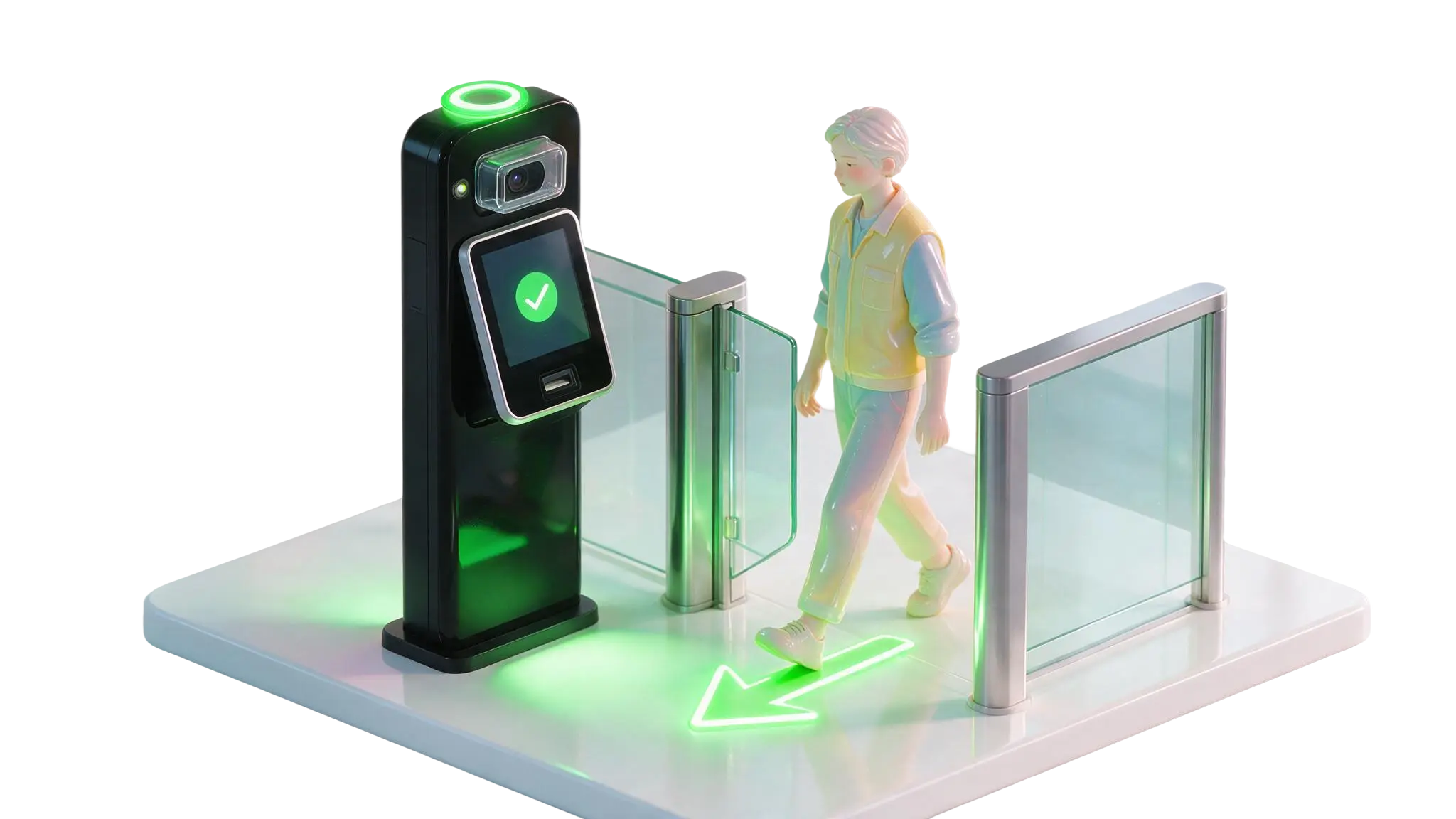
Standalone operation
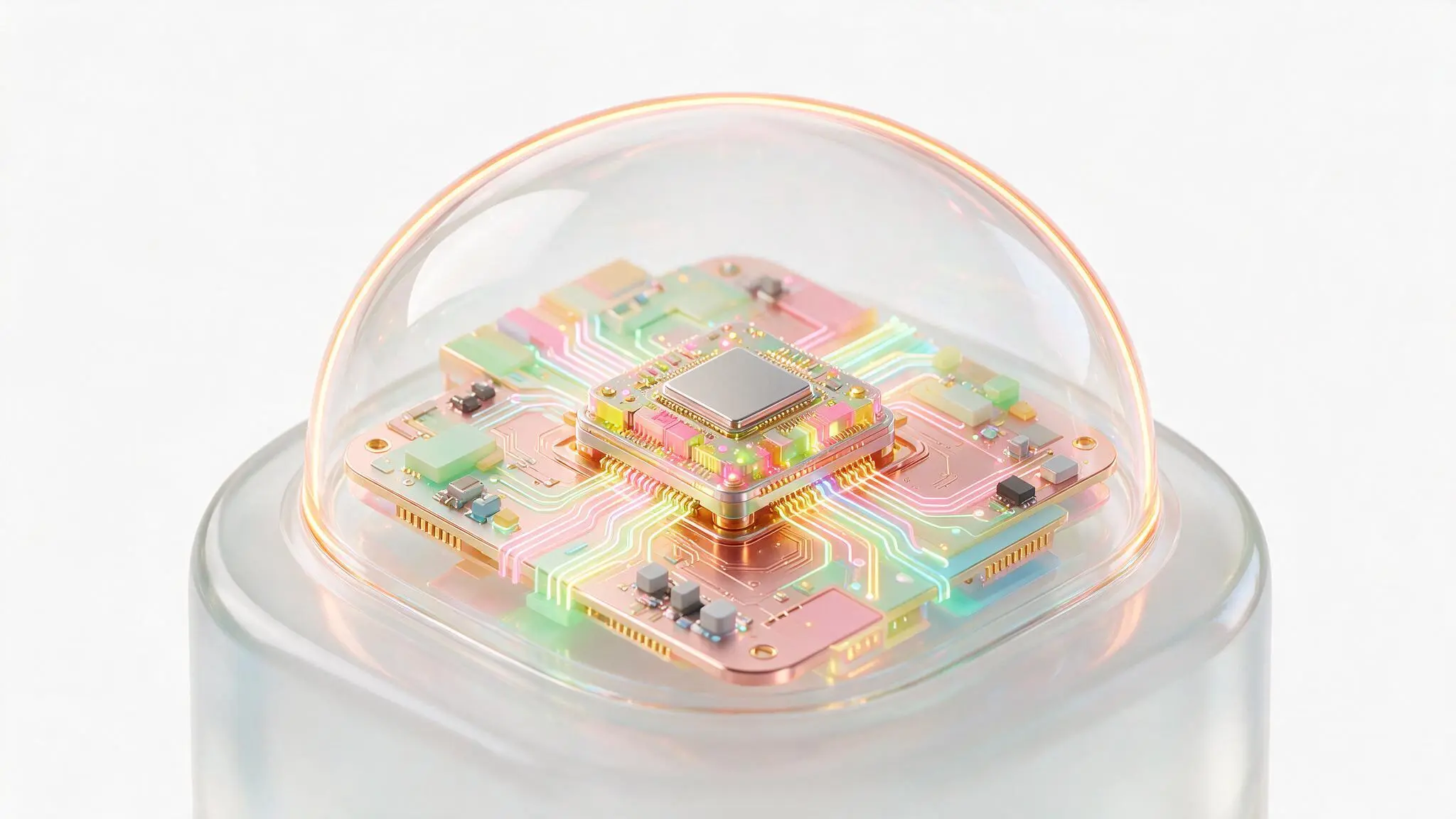
On-premise deployment

XAIVA ON-DEVICE PROCESS
Individual inspection steps that follow your site's rules
STEP 01
Capture
Captures the state of the worker or inspection subject
STEP 02
Analyze
Analyzes how configured items such as protective equipment, workwear and hygiene gowns are worn
STEP 03
Judge
Determines compliance and flags non-conforming items
STEP 04
Guide and integrate
Announces the result on screen and by voice, and links to site devices such as access gates and warning lights

INDEPENDENT OPERATION
One device handles capture through to result guidance
Capture, analysis, judgment and result guidance all happen on site. The device runs independently without a separate server or internet connection, and can optionally connect to internal systems or the cloud depending on the site environment.
On-device AI analysis
Capture, analysis, judgment and result guidance are handled on site
Standalone operation
Install and run wherever needed, with no separate server or internet connection
On-premise deployment
Video and inspection data stay on the internal network instead of being sent outside
Flexible configuration
Connect with CCTV, internal systems or the cloud as needed
REAL-TIME INSPECTION
Automatic checks on protective equipment and workwear, person by person
Analyzes the wear status your site needs to verify — helmets, safety shoes, gloves, goggles, workwear — and identifies each subject through facial recognition or ID matching.
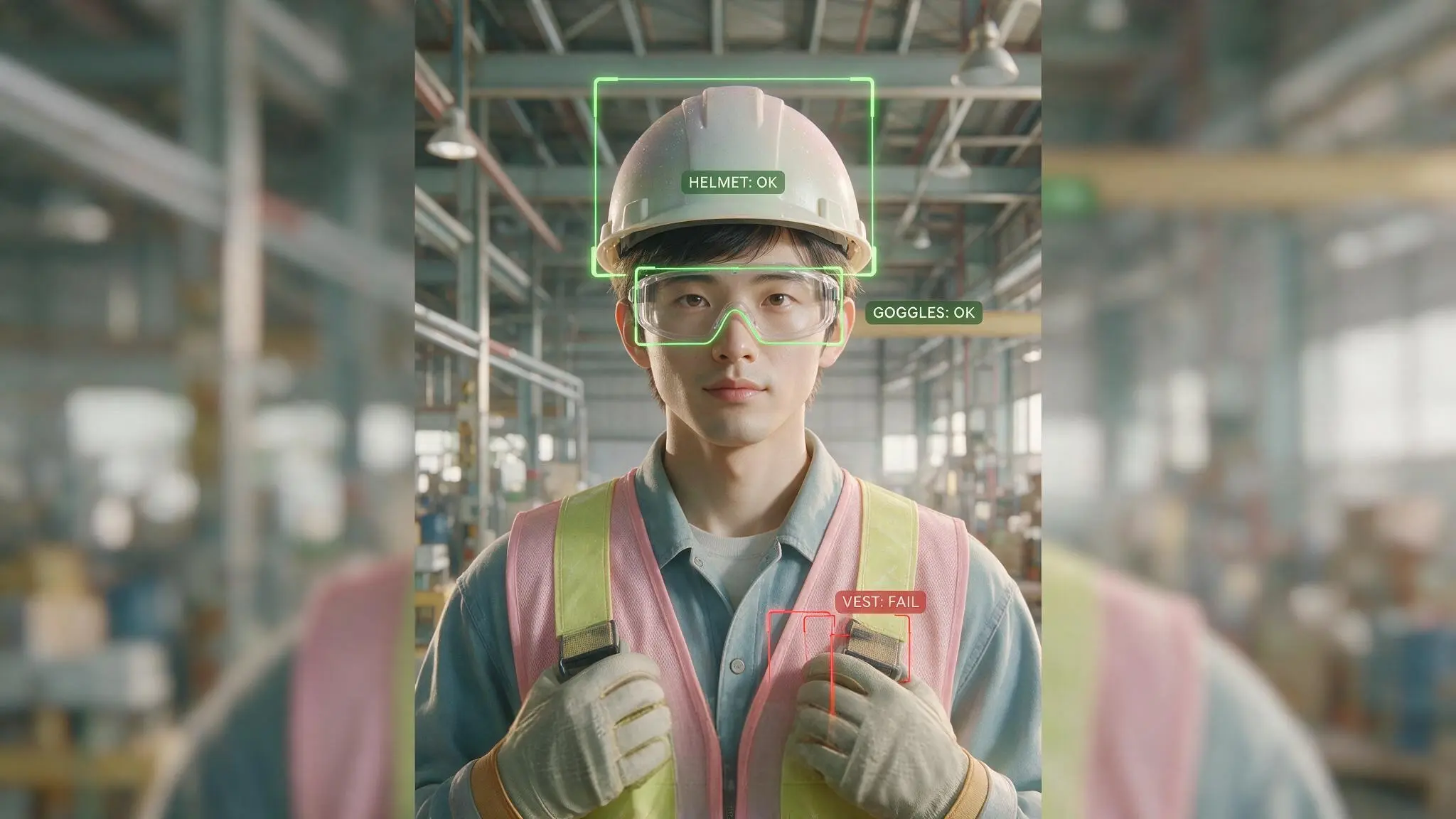
Checks person by person whether the protective equipment your site requires — helmet, safety shoes, gloves, goggles — is worn
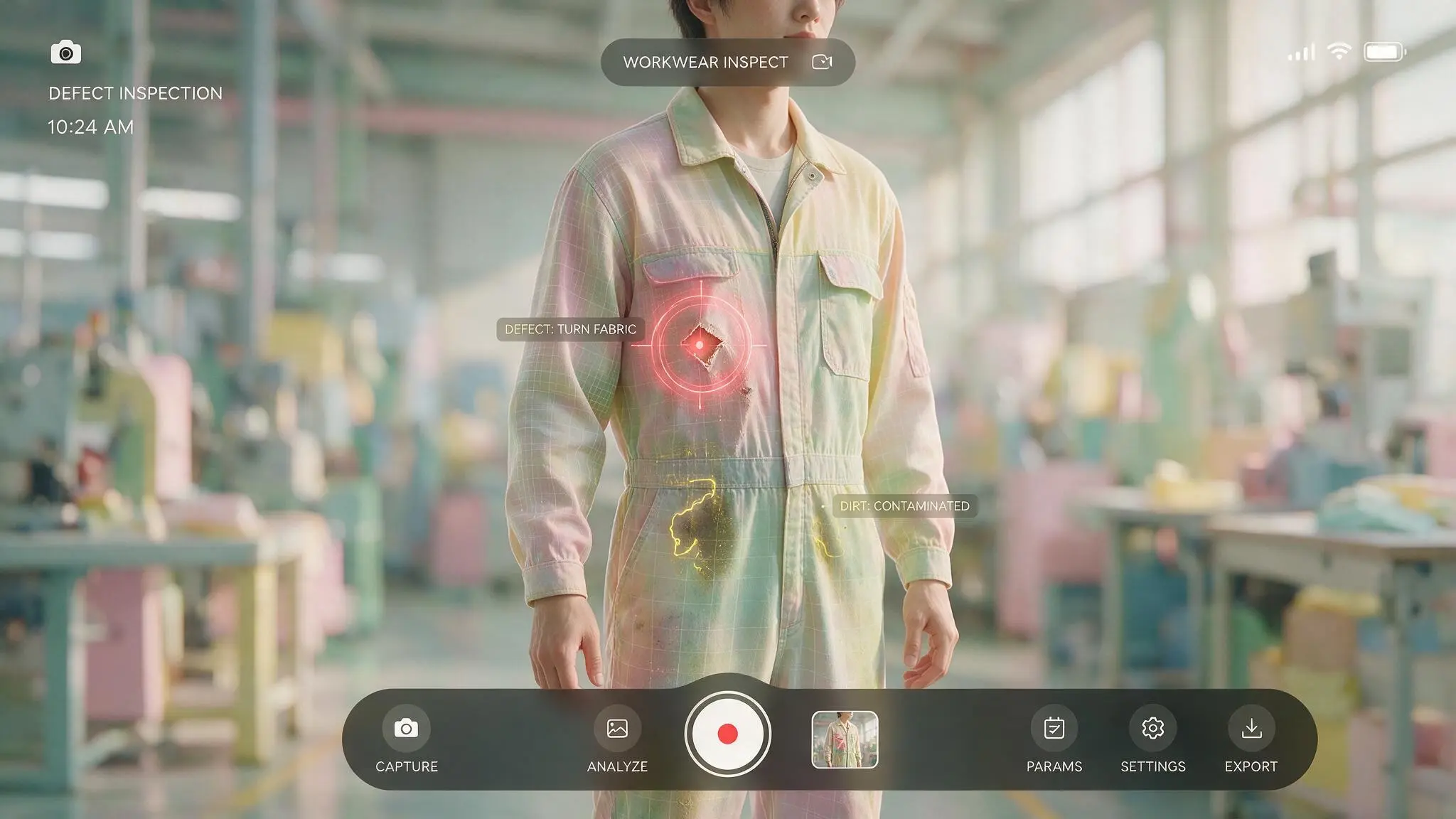
Analyzes how required safety wear and workwear are worn and flags items that fall short of the criteria
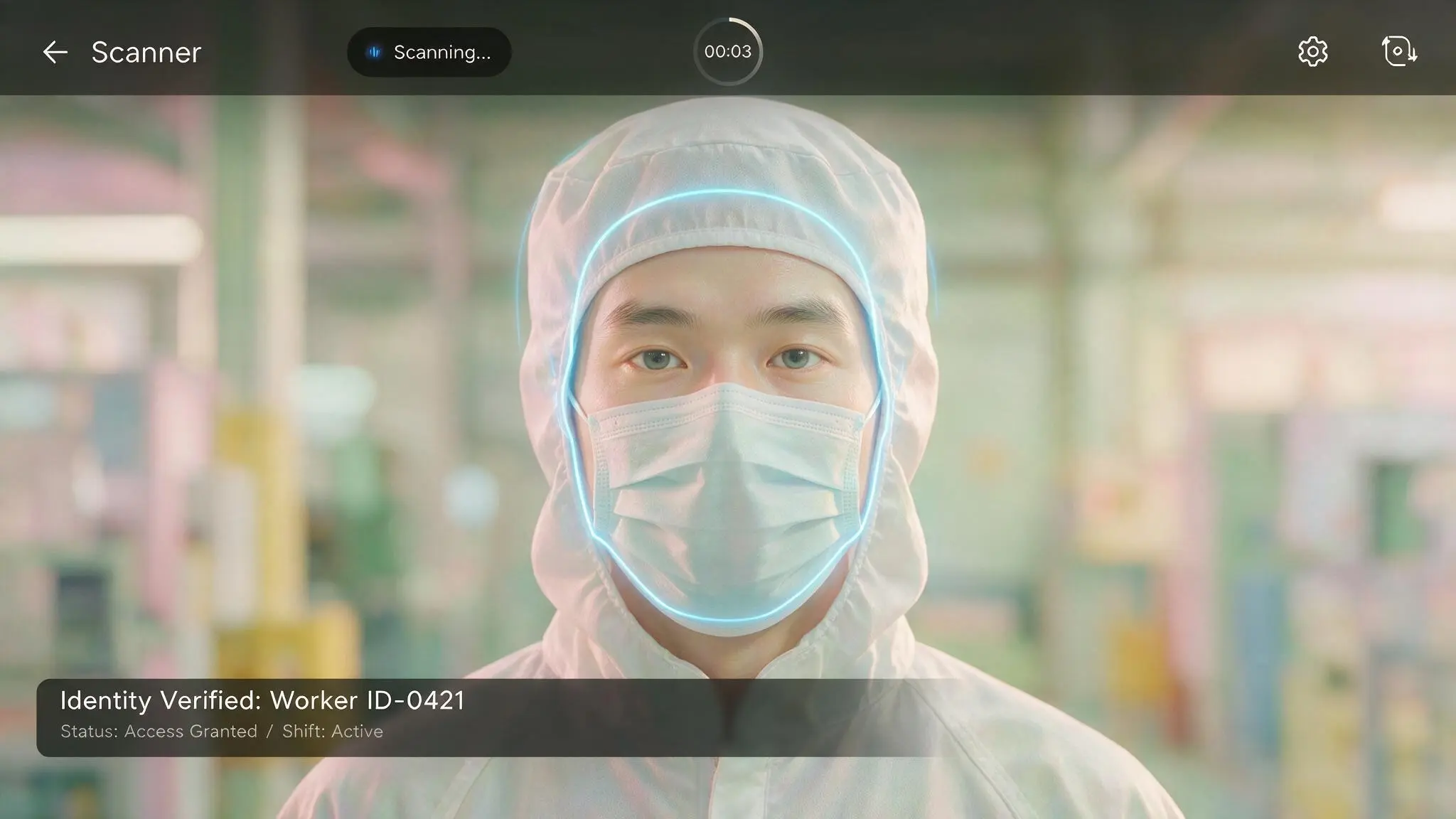
Identifies the inspection subject through facial recognition or ID matching and records results per person
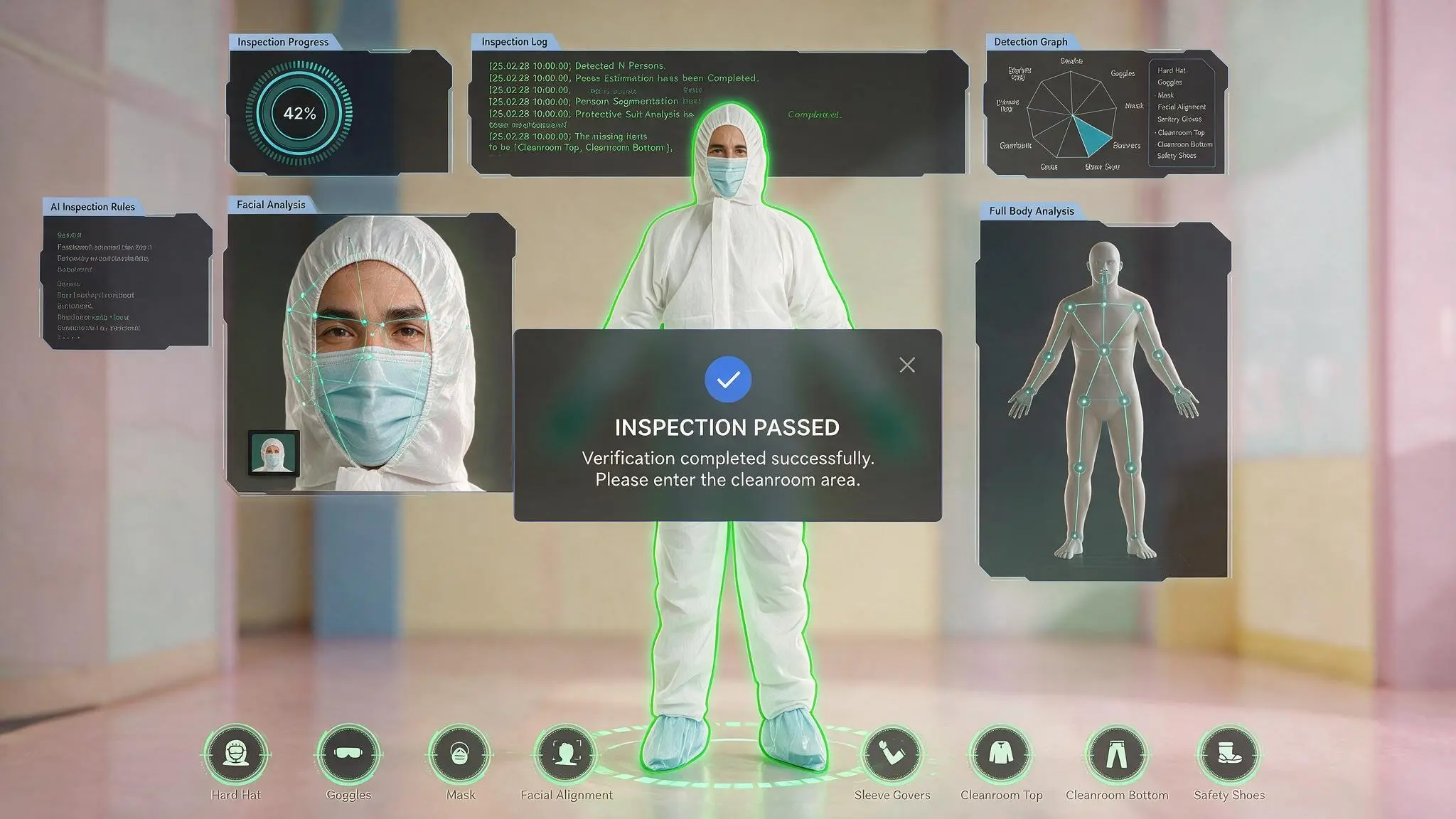
Announces wear status and the items that need attention on the device screen and by voice, right at the site
Industries
- #Manufacturing
- #Construction
- #Logistics
- #Energy & Plant
- #Bio & Pharma
- #Food
- #Public facilities
- #Security & Control
- #Retail
- #Transport & City
SYSTEM & DATA INTEGRATION
Connect inspection results to your internal systems
Results confirmed on XAIVA On-Device are stored in an internal network database, so inspection status and records can be reviewed from a range of environments.
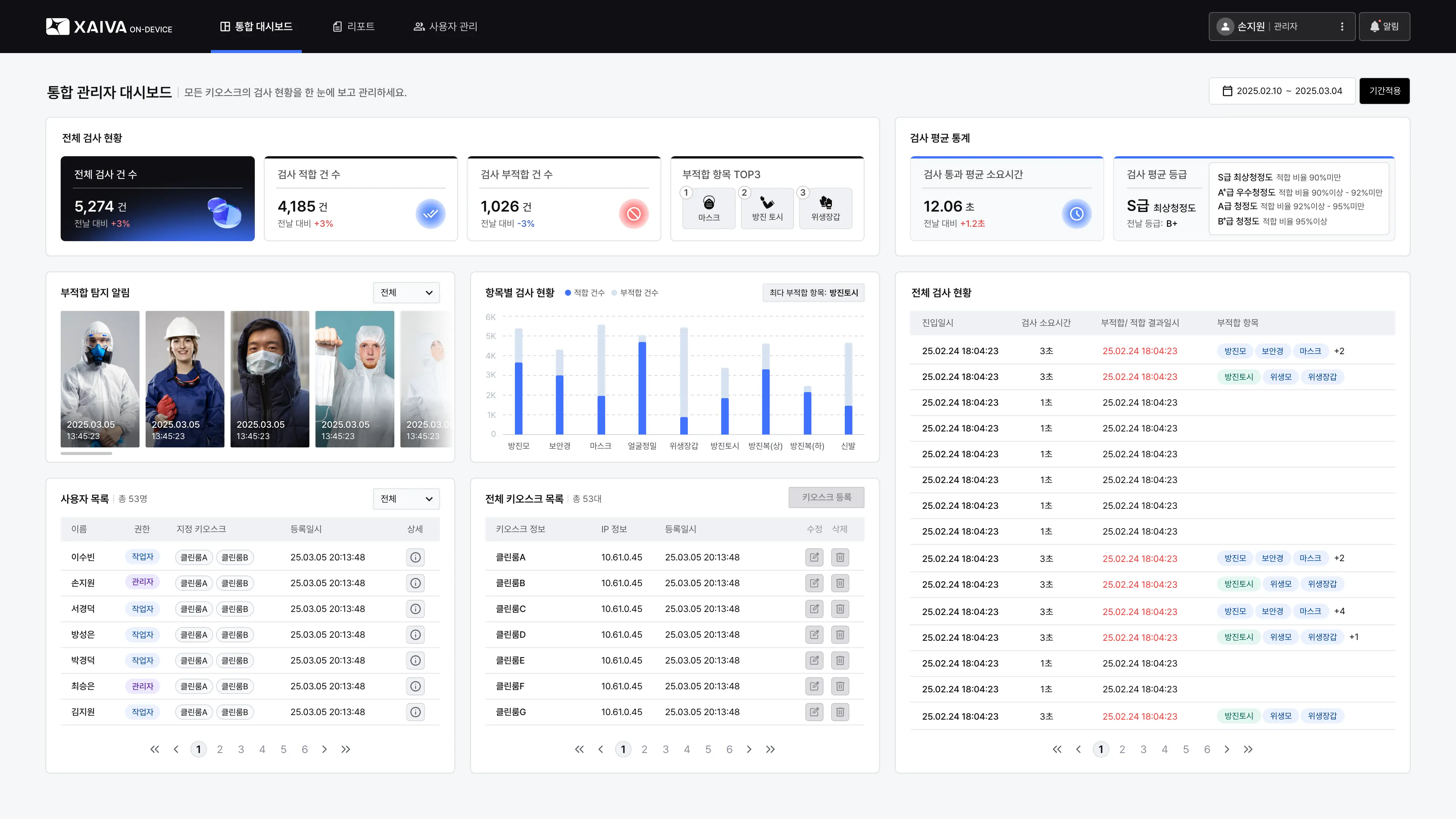
Internal network integration
Stores inspection results in the site's database and links to the systems your operation requires
Review on any device
Check inspection status and records on PC, tablet and mobile
Data visualization
Review inspection results and non-conformance status as dashboards and statistics
Site device integration
Connect to site devices such as access gates and warning lights to act on results
APPLICATION AREAS
Site inspection and access control aligned to each industry's rules
XAIVA On-Device adapts to sites where a large-scale system is impractical as well as industrial sites that require security and internal network operation. Inspection items and check methods are configured to match each site's operating rules and access procedures.
Manufacturing
Protective equipment checks and access control before entering work zones
Construction
Verifying worker safety criteria before deployment to site
Bio & Pharma
Hygiene gown checks and record keeping per cleanroom grade in GMP environments
Food
Hygiene criteria checks and inspection history before entering production zones
Automated hygiene gown checks and records for GMP environments
In sterile manufacturing sites subject to GMP standards, such as bio and pharmaceutical plants, wear status is analyzed against the hygiene gown requirements for each cleanroom grade. This reduces the errors that arise from visual inspection and manual record keeping, and raises the accuracy of quality management through consistent AI-based checks.
Criteria per cleanroom grade
Applies the hygiene gown requirements of cleanroom grades A/B/C/D when checking wear status
Individual wear checks
Determines each worker's hygiene gown status and the items that need attention
Unified inspection history
Records and reviews inspection results and follow-up actions by person and period
Automatic SOP reports
Organizes inspection records into reports that follow standard operating procedures
DEPLOYMENT CASE
Integrated safety management on a manufacturing site with XAIVA
Integrated manufacturing deployment combining XAIVA and XAIVA On-Device

XAIVA
Detecting on-site hazards during work

XAIVA ON-DEVICE
Individual equipment and workwear checks before entry
Deployment setup
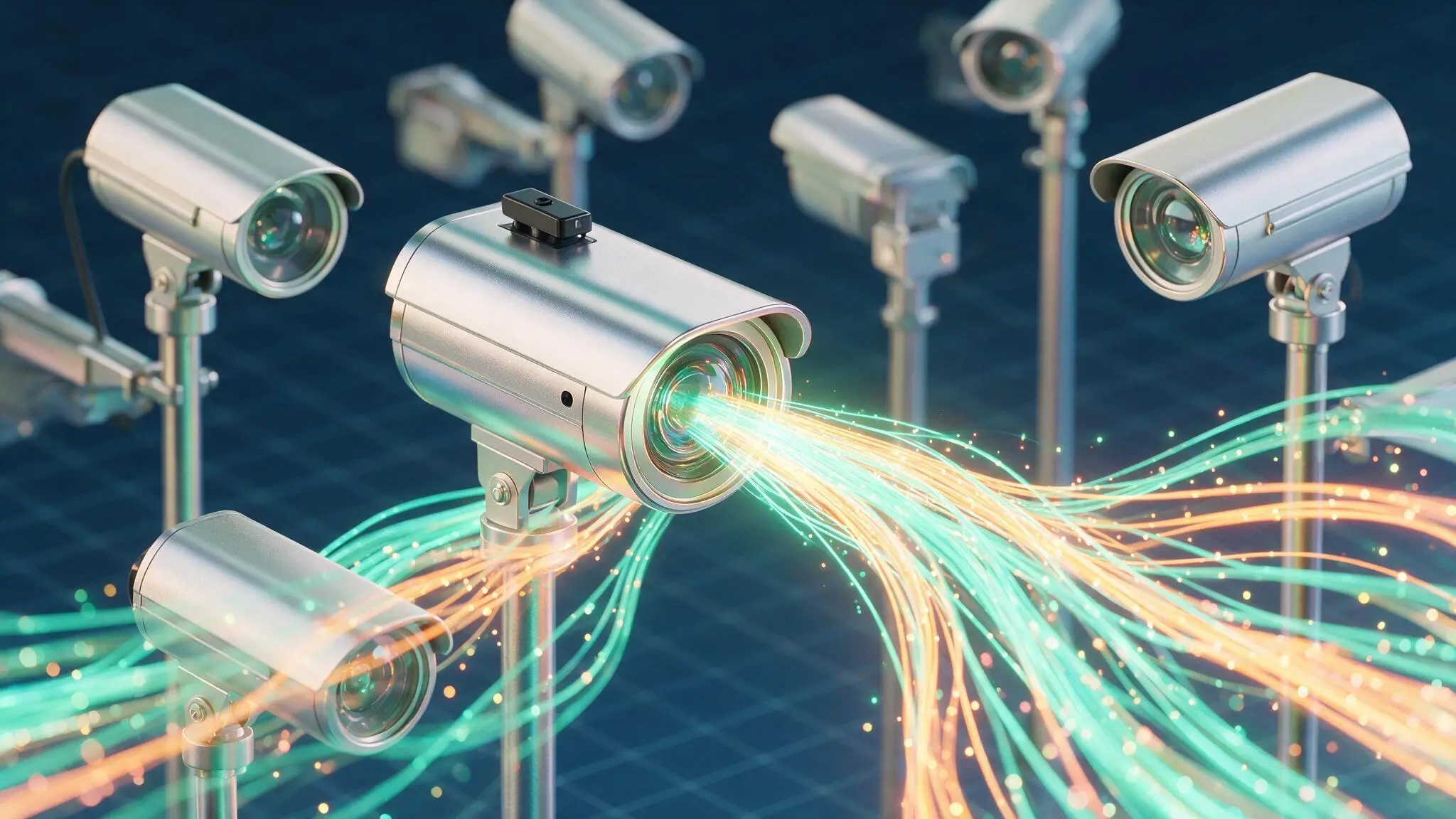
32 CCTV cameras

1 XAIVA On-Device unit

1 XAIVA server
Safety management results seen from the first months
Repeated detection and management contributed to better protective equipment compliance on site
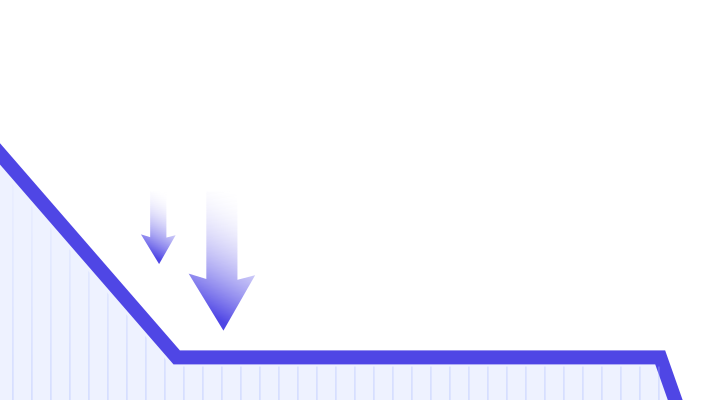
Helmet non-compliance events
89% down




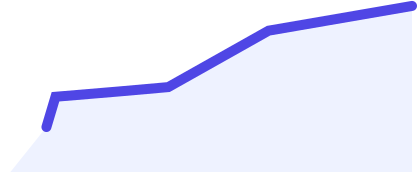
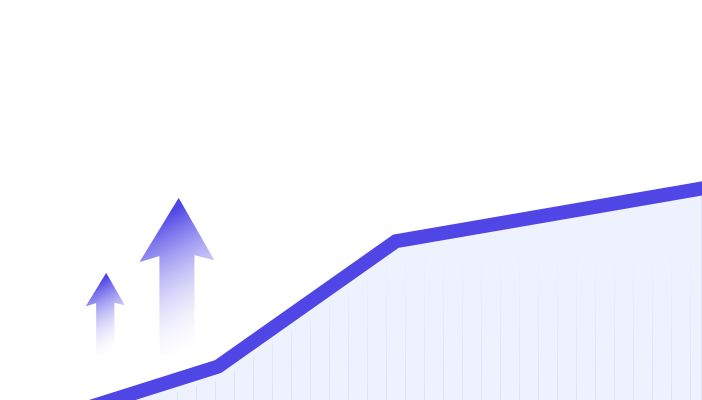
Safety equipment compliance rate on site
16% up



* Based on roughly two to three months of operating data after deployment* Results from one specific manufacturing site; figures may differ by site and operating environment
SOLUTION GUIDE
Choose the approach that fits how your site operates
| Category | XAIVA | XAIVA On-Device |
|---|---|---|
| Product form | CCTV-connected video analytics platform | Camera-integrated on-site inspection unit |
| Coverage | Work zones overall | Designated points such as entrances |
| Analysis unit | Zones and groups of people | Individual |
| Primary purpose | Real-time analysis of site situations | On-site inspection of equipment and workwear |
| How it runs | Unified analysis and management of many CCTV feeds | Capture, analysis and result guidance on the hardware |
| Installation | Configured by connecting CCTV to an analysis server | Dedicated unit installed where needed |
| Using the results | Event alerts, statistics and report management | Voice guidance and on-site report management |
| Deployment environment | Supports on-premise, internal network and air-gapped operation | |
CERTIFICATION & TECHNOLOGY
XAIVA certifications and technology
KISA intelligent CCTV performance certification

GS Certification Grade 1
+ 25 related technology patents
Check our frequently asked questions
VIEW ALLCan we adopt XAIVA without replacing our existing CCTV?
Yes. It can be deployed on your existing CCTV infrastructure. The configuration required may differ depending on the camera environment, the number of channels, and what you want to analyze.
Should we choose XAIVA or XAIVA ON-DEVICE?
XAIVA suits multi-channel CCTV analysis and integrated monitoring, while XAIVA ON-DEVICE suits cases centered on checking protective equipment at entry points and controlling access.
We want the features customized for our site.
Yes. Analysis scenarios and AI models can be customized to match each site's management criteria, such as safety, hygiene, and work rules.
How do we get after-sales and technical support once we purchase XAIVA?
Hardware comes with six months and software with one year of complimentary after-sales service. After that period, continued technical support is available through paid after-sales service.
We would like to purchase XAIVA right away.
Yes. Both XAIVA and XAIVA ON-DEVICE are available for purchase. Standard configurations can be purchased directly; if you need site-specific features or a custom build, we finalize the configuration through a separate consultation.